
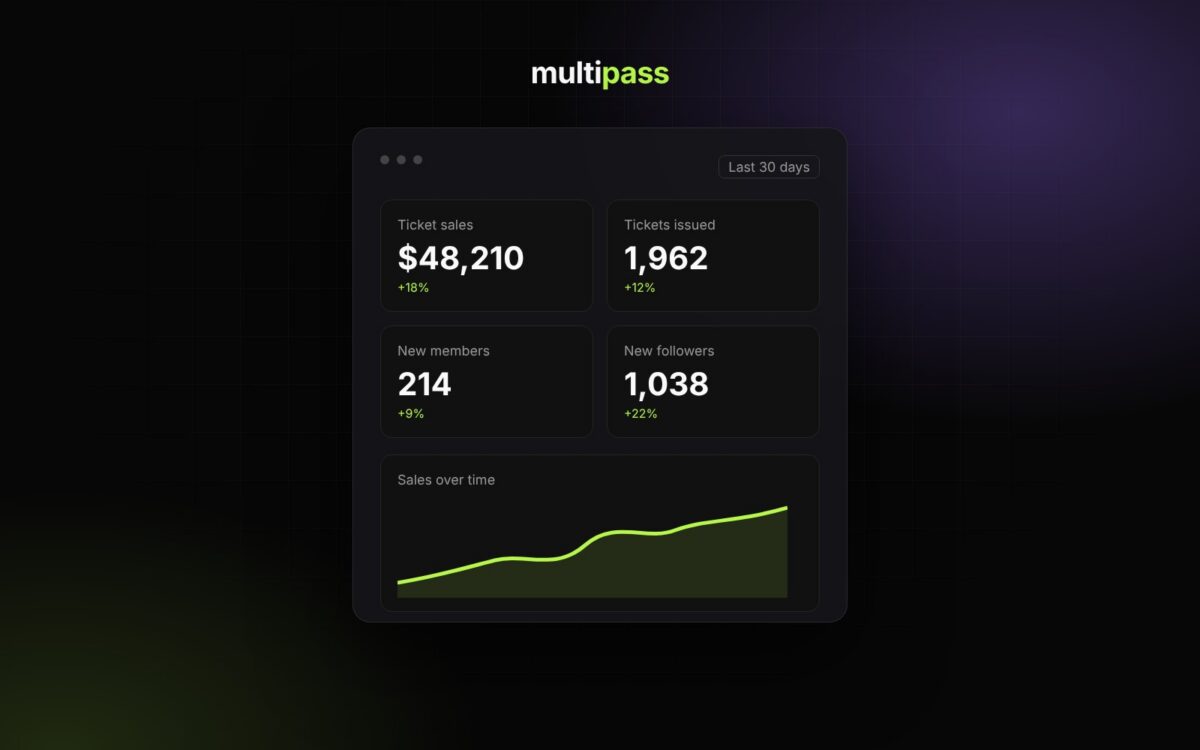
This fall we launched the new Multipass: a refreshed organizer dashboard and a long list of new tools built around how organizers actually run events. Here’s everything that shipped with the new interface. For the full tour, read Meet the new Multipass.
A new organizer dashboard
Your dashboard home now shows total sales, members, followers and promoters at a glance, with quick actions for promo codes, team members, newsletters and your public page. Every upcoming event shows tickets issued, page views and revenue, and each event has its own dashboard with tickets, attendees, marketing, promoters, the Community Hub, reports, finance, team and box office. You can also switch between organizer and promoter mode from the top bar.
Learn more: Getting Around Your Organizer Dashboard
Sell tickets on your own website
The new website embed puts your events and tickets right on your own site. Choose an event list, events with tickets sold on your page, or a single event’s tickets, match it to your brand, and paste the code into WordPress, Squarespace, Wix or any site with a custom HTML block.
Learn more: Sell Tickets on Your Website (Website Embed)
Reserved seating
Seat maps let buyers pick exactly where they want to be. Sell a table, booth or section as one item for a whole group, or sell seat by seat.
Learn more: Reserved Seating & Seat Maps
Analytics built in
Reports now include real-time analytics for your organization and every event. Pick the last 7, 30 or 90 days to see your funnel from page view to paid order, plus orders and revenue by channel, referring site, UTM source and campaign, device and country. Tracking links and QR codes show which posts, flyers and partners are actually selling.
Learn more: Reports & Analytics
Promoters and revenue sharing
Give every promoter their own link and QR code, set commission plans for tickets, add-ons and memberships, and let Multipass pay promoters out daily to their own Stripe accounts. Revenue share splits event revenue with partners and co-producers the same way.
Learn more: Promoters & Revenue Sharing
Memberships, followers and the Community Hub
Build recurring revenue with free or paid, recurring or lifetime memberships, member pricing and early access. Followers get your announcements automatically, and the Community Hub gives each event a ticket-holders-only chat between the announcement and doors.
Learn more: Memberships & Followers
Newsletters and texts
Send newsletters and text messages to your followers, members and buyers right from your dashboard, with upcoming events featured at the bottom of each email.
Learn more: Marketing: Email, Text & Tracking
Faster setup for repeat events
Save ticket types and checkout questions in a Ticket Type Library and apply them to any event in a few clicks.
Learn more: Ticket Type Library & Checkout Questions
Fair ways to sell high-demand tickets
Ticket lotteries, interest lists and curated events give you alternatives to a first-come sale when demand is bigger than supply.
Learn more: Interest Lists, Lotteries & Curated Events
Your brand, front and center
Every organization gets a customizable branded page at yourname.multipass.com with your colors, logo, about page, galleries, calendar and contact info.
Learn more: Your Branded Page & Custom Design
Easier sign-in and a referral program
Sign in with your email or phone number, or with Google, Apple or Facebook. And with Earn with Multipass, you earn 10% of our service fees on every ticket sold by organizers you refer, paid out daily.
Learn more: Earn with Multipass (Referral Program)
Same pricing
Multipass is still free for organizers with no monthly fees or contracts. Attendees pay the service fee by default, so you keep 100% of your ticket price with instant payouts to your own Stripe account, or you can choose to absorb the fee.
Learn more: Stripe, Payouts, Fees & Sales Tax
Tell us what you think
Use the Send feedback button in the bottom right of your dashboard to tell us what’s working and what you want next. New to Multipass? Start selling tickets for free.