Categories
News

Add Multipass tickets and memberships to Apple Wallet and Google Wallet

Multipass tickets and memberships can now live in Apple Wallet and Google Wallet. Attendees and members save their pass once, and it sits on their phone next to their boarding passes and cards, ready at the door without digging through email or opening an app.

What’s new

Wallet passes are now available for every organization on Multipass. Ticket buyers see “Add to Apple Wallet” and “Add to Google Wallet” badges on their ticket pages, and members see the same badges on their membership pages. Two kinds of passes are supported:

  • Ticket passes for events, with the ticket’s QR code for check-in.
  • Member passes for memberships, so members carry their membership with them.

How it works for attendees

After checkout, attendees open their ticket and tap the Wallet badge for their phone. Buying for a group? “Add all” saves up to 10 tickets in one go. Passes update on their own, so if a ticket’s status changes, the pass in the wallet reflects it, and attendees can get pass notifications without installing anything new.

Learn more: Finding & Using Your Tickets and Event Day: Getting In.

How it works for members

Members can add their membership pass from their membership page. It keeps their membership one tap away on their lock screen and stays current as their membership changes.

Learn more: Memberships & Following (Member Guide).

Make the passes look like your brand

Organizers can style their passes under Settings → Wallets, and each event has its own Wallets page in the dashboard. Your pass shows up next to your attendees’ everyday cards, so it’s a small, constant reminder of your brand and your next event.

Why it matters

  • Faster lines. Tickets are ready on the lock screen instead of buried in an inbox.
  • Fewer “where’s my ticket?” messages. The pass is saved once and stays put.
  • Always current. Passes update automatically when something changes.

Wallet passes are live now for every organization. Not on Multipass yet? See what Multipass can do for organizers.

Categories
News

What’s new in Multipass: the new interface (October 2026)

This fall we launched the new Multipass: a refreshed organizer dashboard and a long list of new tools built around how organizers actually run events. Here’s everything that shipped with the new interface. For the full tour, read Meet the new Multipass.

A new organizer dashboard

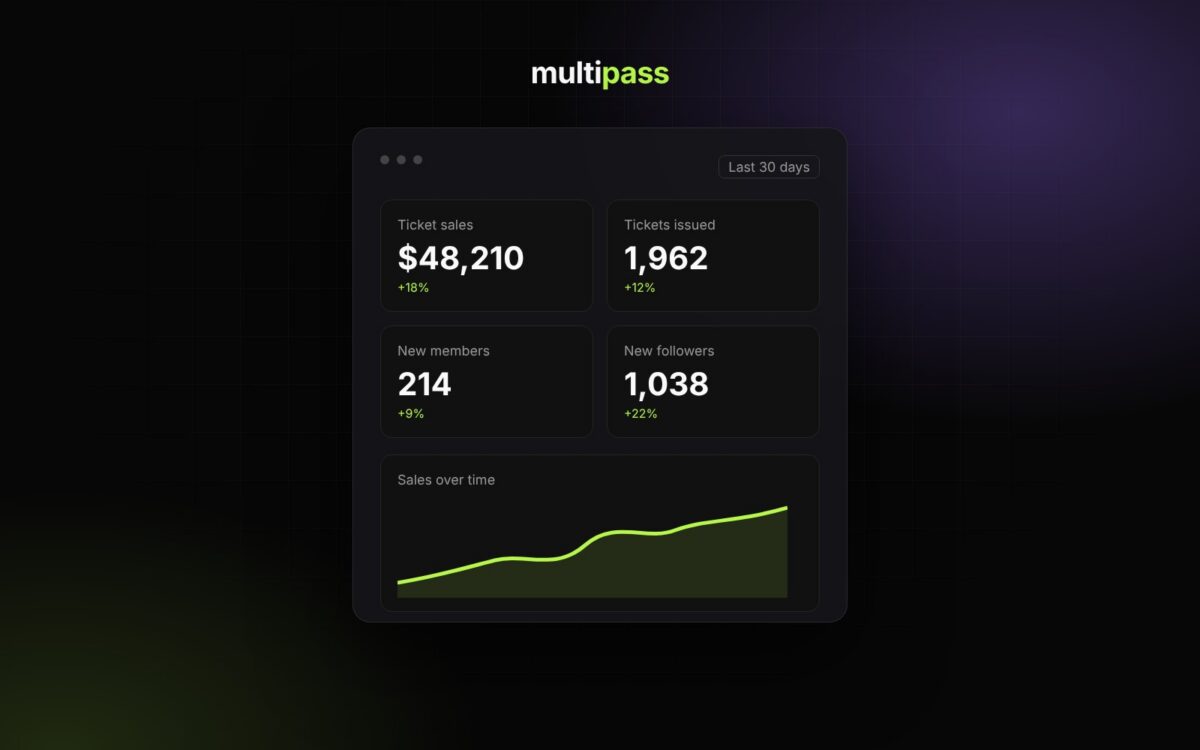
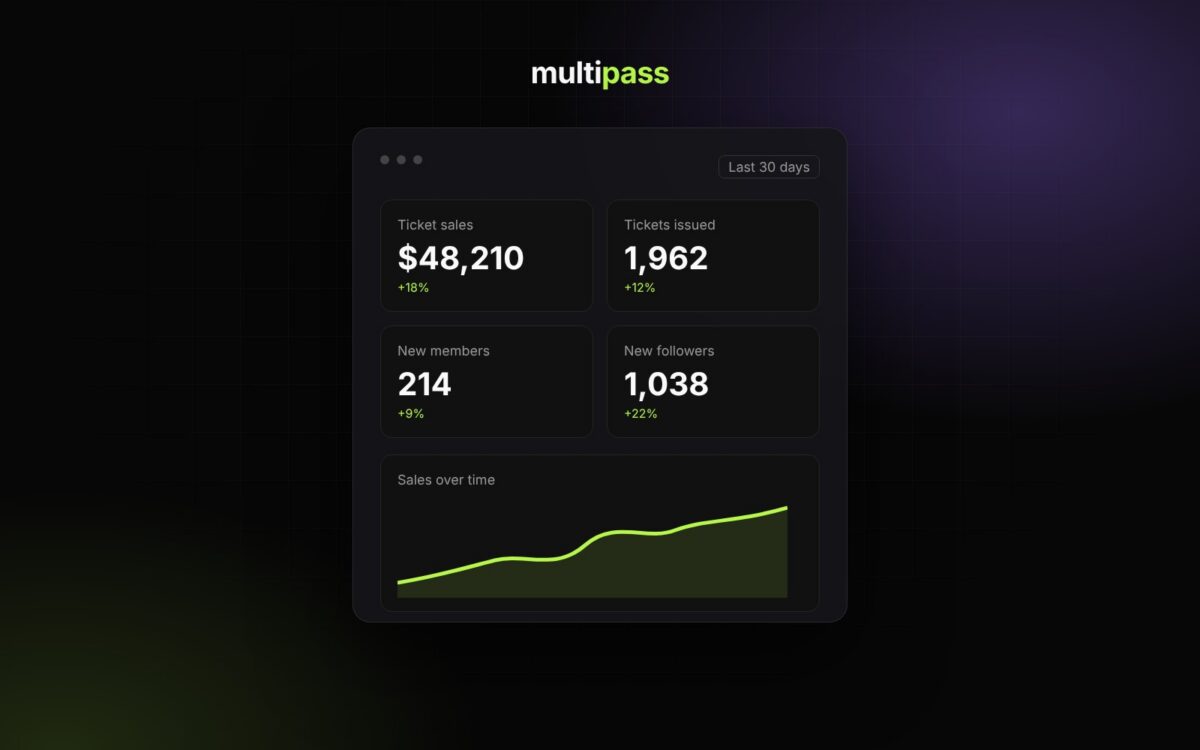
Your dashboard home now shows total sales, members, followers and promoters at a glance, with quick actions for promo codes, team members, newsletters and your public page. Every upcoming event shows tickets issued, page views and revenue, and each event has its own dashboard with tickets, attendees, marketing, promoters, the Community Hub, reports, finance, team and box office. You can also switch between organizer and promoter mode from the top bar.

Learn more: Getting Around Your Organizer Dashboard

Sell tickets on your own website

The new website embed puts your events and tickets right on your own site. Choose an event list, events with tickets sold on your page, or a single event’s tickets, match it to your brand, and paste the code into WordPress, Squarespace, Wix or any site with a custom HTML block.

Learn more: Sell Tickets on Your Website (Website Embed)

Reserved seating

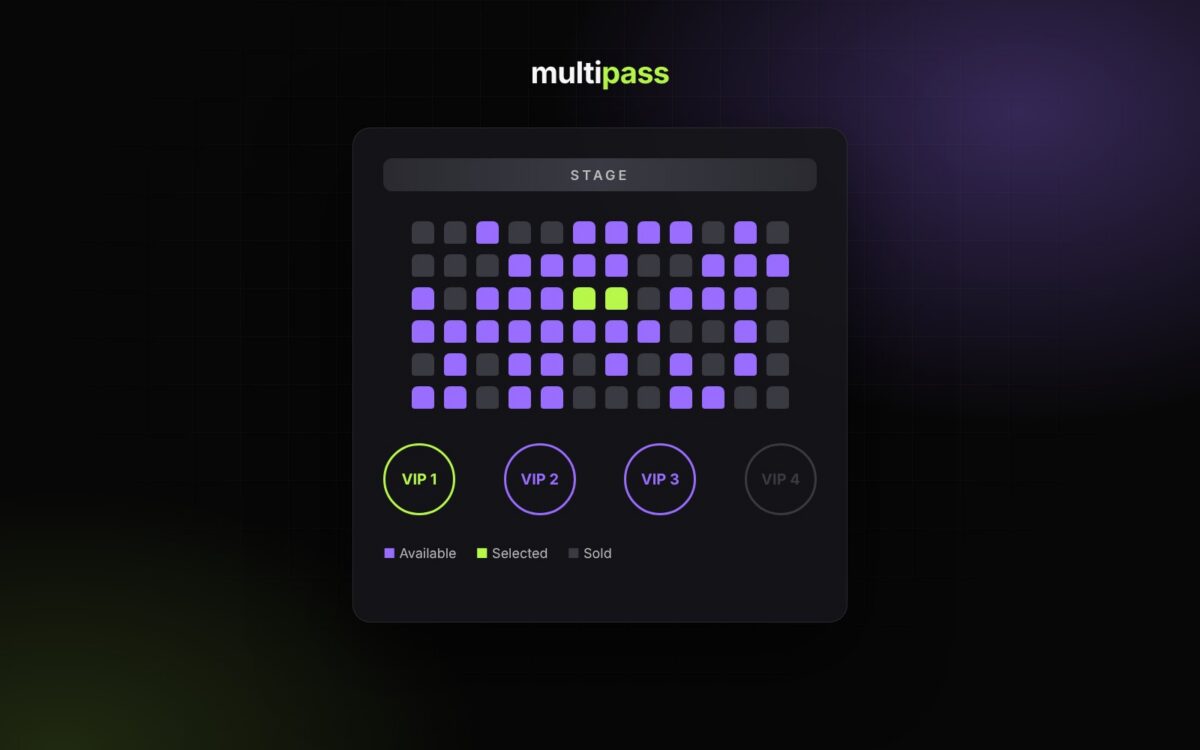
Seat maps let buyers pick exactly where they want to be. Sell a table, booth or section as one item for a whole group, or sell seat by seat.

Learn more: Reserved Seating & Seat Maps

Analytics built in

Reports now include real-time analytics for your organization and every event. Pick the last 7, 30 or 90 days to see your funnel from page view to paid order, plus orders and revenue by channel, referring site, UTM source and campaign, device and country. Tracking links and QR codes show which posts, flyers and partners are actually selling.

Learn more: Reports & Analytics

Promoters and revenue sharing

Give every promoter their own link and QR code, set commission plans for tickets, add-ons and memberships, and let Multipass pay promoters out daily to their own Stripe accounts. Revenue share splits event revenue with partners and co-producers the same way.

Learn more: Promoters & Revenue Sharing

Memberships, followers and the Community Hub

Build recurring revenue with free or paid, recurring or lifetime memberships, member pricing and early access. Followers get your announcements automatically, and the Community Hub gives each event a ticket-holders-only chat between the announcement and doors.

Learn more: Memberships & Followers

Newsletters and texts

Send newsletters and text messages to your followers, members and buyers right from your dashboard, with upcoming events featured at the bottom of each email.

Learn more: Marketing: Email, Text & Tracking

Faster setup for repeat events

Save ticket types and checkout questions in a Ticket Type Library and apply them to any event in a few clicks.

Learn more: Ticket Type Library & Checkout Questions

Fair ways to sell high-demand tickets

Ticket lotteries, interest lists and curated events give you alternatives to a first-come sale when demand is bigger than supply.

Learn more: Interest Lists, Lotteries & Curated Events

Your brand, front and center

Every organization gets a customizable branded page at yourname.multipass.com with your colors, logo, about page, galleries, calendar and contact info.

Learn more: Your Branded Page & Custom Design

Easier sign-in and a referral program

Sign in with your email or phone number, or with Google, Apple or Facebook. And with Earn with Multipass, you earn 10% of our service fees on every ticket sold by organizers you refer, paid out daily.

Learn more: Earn with Multipass (Referral Program)

Same pricing

Multipass is still free for organizers with no monthly fees or contracts. Attendees pay the service fee by default, so you keep 100% of your ticket price with instant payouts to your own Stripe account, or you can choose to absorb the fee.

Learn more: Stripe, Payouts, Fees & Sales Tax

Tell us what you think

Use the Send feedback button in the bottom right of your dashboard to tell us what’s working and what you want next. New to Multipass? Start selling tickets for free.

Categories
News

Reserved seating is live on Multipass

Reserved seating is now live on Multipass. Buyers pick exactly where they want to be on a map of your venue, and you can sell a table or section as one item for a whole group or sell it seat by seat.

How it works

Our team builds the seat map for your venue with you, so you don’t have to draw anything yourself. Once it’s on your event, buyers see the map at checkout, choose their seats, tables or sections, and pay the same way they buy any other Multipass ticket. Every sale still goes straight to your own Stripe account, and organizers keep 100% of the ticket price with instant payouts.

Sell a whole table or seat by seat

Some spots are meant for a group and some aren’t. You can sell a table, booth or section as one item so a group books it together in one purchase, or sell each seat on its own so individuals can pick exactly where they sit.

Made for more than theaters

Seated shows are the obvious fit, but reserved seating works just as well for:

  • VIP tables and bottle service at nightclubs and lounges
  • Booths and reserved sections at EDM shows and raves
  • Cabaret, comedy and burlesque shows with table seating
  • Galas, dinners and fundraisers with assigned tables
  • Festivals with VIP decks or reserved viewing areas

Learn more: Reserved Seating & Seat Maps

Get your seat map set up

Reach out through the help center with your venue layout and how you want to sell it, and our team will build your map. New to Multipass? Start selling tickets for free.

Categories
News

Earn with Multipass: refer an organizer, get paid daily

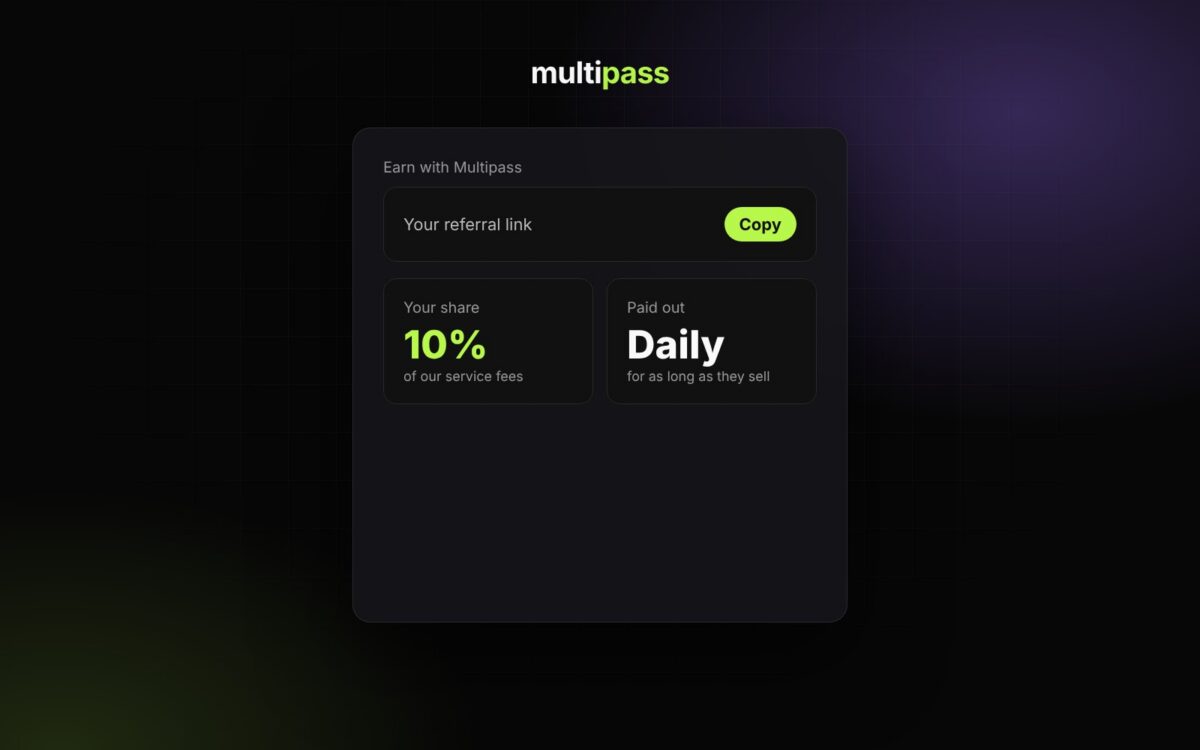
Know an event organizer or party host who’d be a good fit for Multipass? Refer them and earn 10% of our service fees on every ticket they sell, for as long as they use Multipass. Earnings are paid out daily.

Get your referral link

  1. Log in at multipass.com, open the account menu (your name, top right) and choose Earn with Multipass. It’s also under My Account → Referrals.
  2. Click Copy next to your referral link, or share the QR code so people can scan it to sign up.
  3. Share it with organizers and party hosts. When they sign up with your link, their sales are credited to you.

Track what you’ve earned

Your referral page shows your lifetime earnings, what’s approved and not yet paid, and the total number of events from the people you referred. You can see each person’s events, service fees and your earnings from each one.

Learn more: Earn with Multipass (Referral Program)

More about the program: Earn with Multipass

New to Multipass?

Start selling tickets for free.

Categories
News

Tap in with a Multipass Card

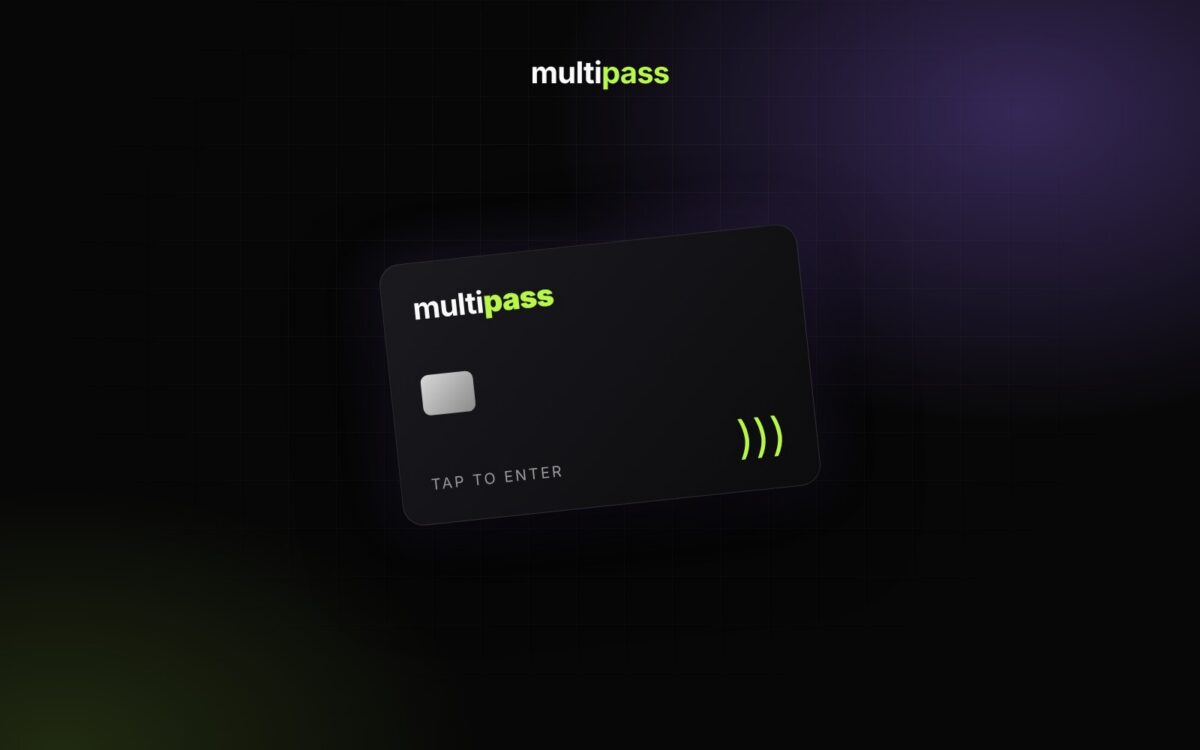
Multipass Cards are physical cards that get your attendees in the door with a tap. Each card has an NFC chip inside for tap scanning and a QR code on the back.

How attendees use them

Attendees link their card to their Multipass account in the free Multipass app, available on Google Play and the Apple App Store. Once it’s linked, they can show up at any event that uses Multipass and either tap the card or scan the QR code on the back to get in.

Link a card in the app

  1. Download the Multipass app and log in. If you checked out as a guest, use the email you entered at checkout.
  2. Tap Account in the bottom navigation.
  3. Tap Link Multipass Card to link the NFC chip, or Link Card QR Code to link the QR code on the back.

Custom cards for your organization

Want custom cards for your organization or membership program? Contact Multipass for details.

Learn more: Link a Multipass Card to Your Customer Account

New to Multipass?

Start selling tickets for free.

Categories
News

Meet the new Multipass

Multipass has a new look and a refreshed organizer dashboard, and a lot of what’s underneath is new too. If you’ve sold tickets with us before, everything you had is still there, it’s just easier to find. If you’re new, this is the quick tour of what Multipass does and where to find it.

Sell more and get paid instantly

100% of your ticket price with instant payouts

You connect your own Stripe account and ticket payments land in it in real time, at the moment of purchase. Multipass never holds your funds. Organizers keep 100% of the ticket price with instant payouts to their own Stripe, and the attendee pays a service fee of 5% + $1.50 per ticket at checkout. Finance in your dashboard shows your available balance, incoming funds and payouts, and you choose how often Stripe pays out to your bank. There’s no subscription, no monthly fee and no contract, and free events are free.

Learn more: Stripe, Payouts, Fees & Sales Tax

Tracking links for every place you share

Create one tracking link and QR code for each place you share an event, like an Instagram bio, a flyer or a partner’s newsletter, and Multipass counts the visits and sales from each one. You can also make links that apply a promo code automatically, and add your own Google Analytics, Google Tag Manager or Facebook Pixel IDs to any event.

Learn more: Marketing: Email, Text & Tracking

Promoters and partners, paid automatically

Open your event to promoters or invite the ones you want, then pick the commission plan they earn on. When someone buys through a promoter’s link, the commission is held back from that sale and paid out daily to the promoter’s own Stripe account, so you never handle their money or run a spreadsheet at the end of the night. Promoters in your dashboard shows who’s promoting and the plans they’re on. If you split an event with partners or stakeholders, their revenue share is held back from each sale and paid to them the same way.

Learn more: Promoters & Revenue Sharing

See what’s working and what isn’t

Reports include real-time analytics for your whole organization and every event, with no setup. Pick the last 7, 30 or 90 days to see your funnel from page view to added tickets, checkout and paid order, so you can see where buyers drop off. Orders and revenue are broken down by channel, referring site, UTM source and campaign, device and country, so you know which posts, partners and promoters are actually selling tickets. Sales by event, transactions, top customers, headcount and exports are all in the same place.

Learn more: Reports & Analytics

Your brand and your community

Your brand, not ours

Every organization gets its own branded site at yourname.multipass.com with your colors, logo, background art, about page, galleries, calendar and contact info. And with the new website embed you can sell tickets right on your own website, so buyers browse, check out and pay without leaving your page. It works with WordPress, Squarespace, Wix and most site builders that have a custom HTML block.

Learn more: Your Branded Page & Custom Design and Sell Tickets on Your Website

Memberships tied to your tickets

People can attend, follow or become members. Followers get your announcements for free, and memberships can be free or paid, recurring or lifetime. Memberships are the foundation for member pricing, early access and private events, so the people who show up every time get something for it and you get recurring revenue on top of ticketing.

Learn more: Memberships & Followers

The conversation keeps going after the RSVP

Each event can have a Community Hub, a ticket-holders-only chat that keeps attendees engaged between the announcement and the doors opening. It’s also where last-minute updates land on event day.

Run your events with less work

A dashboard built around your organization

The new dashboard home shows your total sales, members, followers and promoters, quick actions for promo codes, team members and newsletters, and every upcoming event with tickets issued, page views and revenue. Click Manage on any event and it opens its own dashboard with tickets, attendees, marketing, promoters, the Community Hub, reports, finance, team and box office.

Learn more: Getting Around Your Organizer Dashboard

Reserved seating

Seat maps let you sell a whole table or section as one item for a group, or sell seat by seat. It works for theaters and seated shows, and just as well for VIP tables, booths and reserved sections at nightlife events.

Less setup for repeat events

If you run the same kinds of events again and again, save your ticket types and checkout questions once in a Ticket Type Library and apply them to any event in a few clicks.

Learn more: Ticket Type Library & Checkout Questions

Know an organizer? Earn with Multipass

Refer an event organizer or party host and earn 10% of our service fees on every ticket they sell for as long as they use Multipass, paid out daily. You’ll find your referral link under Earn with Multipass in your account menu.

Learn more: Earn with Multipass (Referral Program)

Get started

Creating an account is free. Start selling tickets, or walk through Create Your First Event in the help center.

Categories
News

Event Ticketing Best Practices in 2023

Updated November 2026: This post is from November 2022, and some details have changed. Today Multipass is free for organizers: attendees pay a 5% + $1.50 service fee per ticket (plus card processing), you keep 100% of your ticket revenue, and instant payouts to your own Stripe account are on by default at no extra cost. See every current Multipass feature.

Each event is different but there are a lot of common needs across most types of events that require ticketing solutions. All events have description information and locations, even if the location is virtual. Most events need to sell tickets and get people through the door. Many events have promotions that are part of sales, or some level of staff or volunteers to manage.

Below are some things to think about when planning your event. Multipass brings you a combination of suggested best practices coupled with questions you might ask yourself about your event needs.

Setting Up Your Event Online

These days it’s expected that your event information will be available online. This includes details about your event, the location, the date and time, sponsors, parking details, and any other pertinent information. We live in an information age and there is usually no reason not to make this information easily available.

If you can create a nice URL coupled with a QR code that you can attach to your marketing (such as posters, social media graphics or flyers) then it will be very easy for people to get to the ticketing information page you create.

Public vs Private Events

Most events are public but sometimes you want to keep details private. If this is the case, make sure the platform you’re using gives you a way to control access and visibility. This can range from keeping an address hidden to making the entire event password-protected to where you can’t even see the name of the event unless you have paid membership, you’re part of a group, or you’ve got the password for the event.

Sometimes it’s about the mystery, sometimes it’s just nobody else’s business. There are ways to control all aspects of information flow and you can choose a platform that gives you this type of control.

Online Event Tickets (Free Tickets Too!)

Your event platform should let you sell tickets. If your event is free you might still want to make people get tickets or RSVP; one benefit to doing this for free events is that you can build a marketing email list from your event attendees.

If your event isn’t free then make sure you understand the mechanics of cash flow. What are the fees associated with ticket sales? When do you get paid? Is there a possibility of advance payment or do all payouts happen after the event? How many steps is the checkout process? Do you want to require people to enter a physical or billing addresses as part of the checkout flow, or not?

There are many viable platforms; make sure to choose one that gives both you and your customers a good experience.

Ticket Levels and Promotions

Most events have more than one ticket price. Even if there is only really one ticket it’s near-certain that someone involved is paying less. Do friends or family get half-price? Volunteers? Make sure that your ticket platform has the ability to handle the scenarios that will apply to your event.

Much of this will also touch promotion codes. If you want to send a presale announcement out with a code anyone can use, that’s great. Want to invite specific people with promo codes that work a single time? Make sure the system you’re using can do that.

Additionally, consider how easy it is to offer complimentary tickets. These don’t have to be different ticket types, these are tickets that simply aren’t charged for. This can be done at the door with a guest list but you can streamline the door even more, and keep your attendee statistics in one place, by just providing people comped tickets.

If you think you might want to offer QR codes with promo codes built in, consider whether you have an easy way to make that happen as well. Don’t use a third-party QR services (more on this below) unless you trust them.

Consider if you want to let people transfer their tickets. Maybe general tickets can be transferred, but not VIP tickets. Make sure that your platform lets you set this on a per-ticket-type basis. The same would be true if you are considering allowing tickets to be resold in online marketplaces.

Service Fees, Price Models, Payouts

The biggest pain point in ticketing these days is the often outrageous service fees. If you want to pay through the nose you can certainly find those options. If you want competitive and fair prices then you can find that too.

There are a few ways to display prices to your audience. Here are three possibilities:

  1. The price you set is the price that the buyer pays. That means that if you ask $50 for your ticket’s final price then that already includes service fees, venue fees, credit card processing fees, taxes, and potentially shipping. Your own takeaway will be less than $50 but the upside is that the pricing is as transparent as possible.
  2. The price you set is your takeaway, all other fees are added on top. This includes service fees, venue fees, credit card processing fees, taxes, and potentially shipping. Does your platform show the fee breakdown to your buyer or keep it hidden?
  3. The price you set is your takeaway, but credit card fees will be held back. This results in a lower additional fee. The service fee and venue fee will be added, but no additional charge is added to cover credit card processing. Buyers are already used to seeing lines for tax and/or shipping and those will be shown if applicable.

Consider as well what the payout schedule will be. When do you see the money for the tickets you have sold? Is there a possibility of an immediate partial payout or is it all after the event? After the event, does any get held back to cover disputes/chargebacks? If so, when do you settle up with the platform?

Ticket Transfers

With the exception of a small percentage of invite-only events, you will usually have people wanting to transfer tickets to other people. Make sure your platform lets you grant or deny the transfer of a ticket on a per-ticket-type basis.

The method of the ticket transfer makes a difference to the security of the exchange as well. Ownership can be changed on a ticket but another option is that the original ticket is invalidated and a completely new ticket issued, with ownership exchange history preserved. This latter approach can be important because in this age of digital tickets you need to know that the QR code that you have will still be valid when you get to the door. When tickets are exchanged, the person who originally had the ticket will have had access to that ticket’s QR code and, if acting in bad faith, could try to use it before you get to the venue. When tickets are expired/recreated then entirely new codes are generated and the original codes cannot be used to negate the use of the new ones.

What is necessary in order to transfer a ticket? Do you need someone’s email address? Can you transfer with just a phone number? How about a transfer claim code that you could give to anyone through social media, not knowing anything else about them? Can you cancel a transfer that has been initiated but not yet received?

Virtual Event Support

During the pandemic, online events boomed. Does your event need an online participation component? Can you differentiate ticket types to know that some are in-person and some are online? What measures are in place to communicate information to participants while reducing the risk of premature information leakage? Can you set how far in advance online links are sent out automatically? Do you not want to do this, instead preferring to send them out manually? What happens if someone buys a ticket at the last minute after this information has been sent out, or after the event has already started?

Late Reveal Of Information?

For reasons of privacy or mystery, sometimes you will want to not share certain information in advance. This might be location information (secret party!), a surprise headliner, or maybe a link to an online event. Maybe this wasn’t even a secret event but you have a last-minute venue change or health notice to get out to people.

Consider what your communication methods are. Do you have the ability to email your attendees? Can you reach them via text message? Text is an interesting option as it can put information in front of people even after they have already left for the night and are no longer actively checking email.

Getting People Through the Door

Nobody likes lines and there are some things you can do to streamline things at the door. Some of these will be more, or less, possible depending on the number of people you have available at the door.

To that end, the single fastest thing that can happen to get someone through the door is to have them pull up a QR code and for a door person to scan it with success. The time for this is a couple of seconds and this fast is important to keep in mind.

When someone shows up at the door and has to buy a ticket there are a few ways to make this happen.

You can have people purchase tickets online while standing in line. This is certainly a possibility but it’s a bit awkward. If you need contact information for everyone this might not be a bad way to go. If you do this, make sure to tell people in advance that this is the case, and that you’re not accepting cash or even in-person credit cards.

Most events have a hybrid system of advanced sales and door sales. People still expect to be able to show up and gain entry with cash or credit. You might also choose to accept Venmo or Paypal. Make sure your ticketing platform has support for these. For credit sales, there are both integrated options and external options. An external option might be something like using Square as a standalone credit card swiper, then issuing a ticket and having it marked as used. An internal option will have credit processing built right into your mobile/tablet app, or computer software, where you’d run a card using functionality built directly into your system. Internal credit card processing is almost always going to be faster and smoother than an external method.

If you have the ability to offer two lines at your event you might consider doing so. It’s a piece of cake to scan a QR code and you can reduce the length of a line and increase morale by giving people with prepurchased tickets a near-immediate admission process. One line scans tickets, one line sells tickets.

Cash sales or offline sales are more susceptible to theft or abuse. Having a single spot that you process all sales through can give you unified reporting while also decreasing the temptation of an employee pocketing a bit for themselves.

Volunteer and Staff Management

Most events are made possible by people working together. Does your event platform have the ability to define volunteer or staff roles, while giving you, or volunteers, the ability to fill those roles? Do your volunteers get discounted tickets, or maybe rebates, if they show up?

It’s a common practice to maintain a printed guest/volunteer list but there are opportunities to improve communication and accountability as well. Providing volunteer tickets in advance, possibly their own ticket type, can help you get people through the door much faster than human eyes looking up names on multiple pieces of paper will ever be.

QR Codes

If you are going to market your event/tickets using QR codes it’s vital that you provide a safe and secure experience to your audience. QR codes are commonplace for scanning directly to website URLs and any code you use should point directly to your destination page.

Avoid the use of third-party QR-generation sites that you don’t have prior experience with. Many of them make their money by redirecting users to their own hosted pages and serving up confusing advertisements, possibly even getting people to enter credit card information. Some of these sites might look like they go directly to your site but later pull a bait-and-switch, rendering their own in-between page only after some number of people scan their code. You DO NOT WANT THIS, and you must control your own experience. If you are generating a QR code for a certain URL then make absolutely sure that the URL that your phone shows you upon scanning is the actual destination you want to send people to. In-between pages result in bad experiences and you can avoid them.

The URL that is scanned from a QR code needs to go directly to the destination you want them to see, and there is no reason for anything else.

Physical Paper Tickets

If you allow paper tickets these days they will still almost certainly include either barcodes or QR codes for security purposes. Do you want to design and produce attractive tickets that people can use for souvenirs? Check to make sure that your platform can support this. Keep in mind that print tickets will have a production lead time and make sure to account for this timing.

Ticket Resale Marketplace

Transfers notwithstanding, do you want people to be able to resell their tickets online? Do you want to allow this for some ticket types but not for others? Do you want to prohibit resale until the main sale no longer has any tickets available? Do you want to cap the maximum possible resale price? Does your resale platform allow you as a venue/event/promoter to share in the aftermarket resale fees?

Conclusion

There are a lot of options for ticketing platforms these days and there’s no reason to go with one that doesn’t meet all of your needs.

At Multipass, we are happy to promote healthy ticketing best practices as well as offering a solution that gives you the flexibility you need to run your event the way you want to. Ready to start? Set up your event on Multipass here!

Categories
News

The Multipass Blog

Updated November 2026: This post is from October 2022, and some details have changed. Today Multipass is free for organizers: attendees pay a 5% + $1.50 service fee per ticket (plus card processing), you keep 100% of your ticket revenue, and instant payouts to your own Stripe account are on by default at no extra cost. See every current Multipass feature.

Multipass is a membership management and ticketing company that wants to have a soul.

Instead of just being rectangles of information on a page where transactions happen, we want to put a human face on the experience. Our customer service is one part of that; this blog will be another.

Events are more than a name. People put their heart and soul into their art, their music, their business ventures, their causes. We want to share a bit of that with you, to capture and reflect their personality and give you a taste of what’s to come. We want to help you feel the humanity of those throwing events.

In addition to spotlighting upcoming events on our blog, we’ll occasionally have reports from events after they happened. We’ll also share new features and Multipass site/app improvements in its own section.

Lastly, it would be disingenuous to pretend we don’t live in a social media age. You as event producers need social content, and we do to. Give us a little of your time and we’ll give you some content you can can even as we share the same. Sometimes we’ll write articles, sometimes we’ll do video interviews, and sometimes we’ll do short video snippets that can be used for stories or TikTok.

We’re excited about this blog. We’re excited to try to bring a feeling of humanity back to the event ticketing process.