
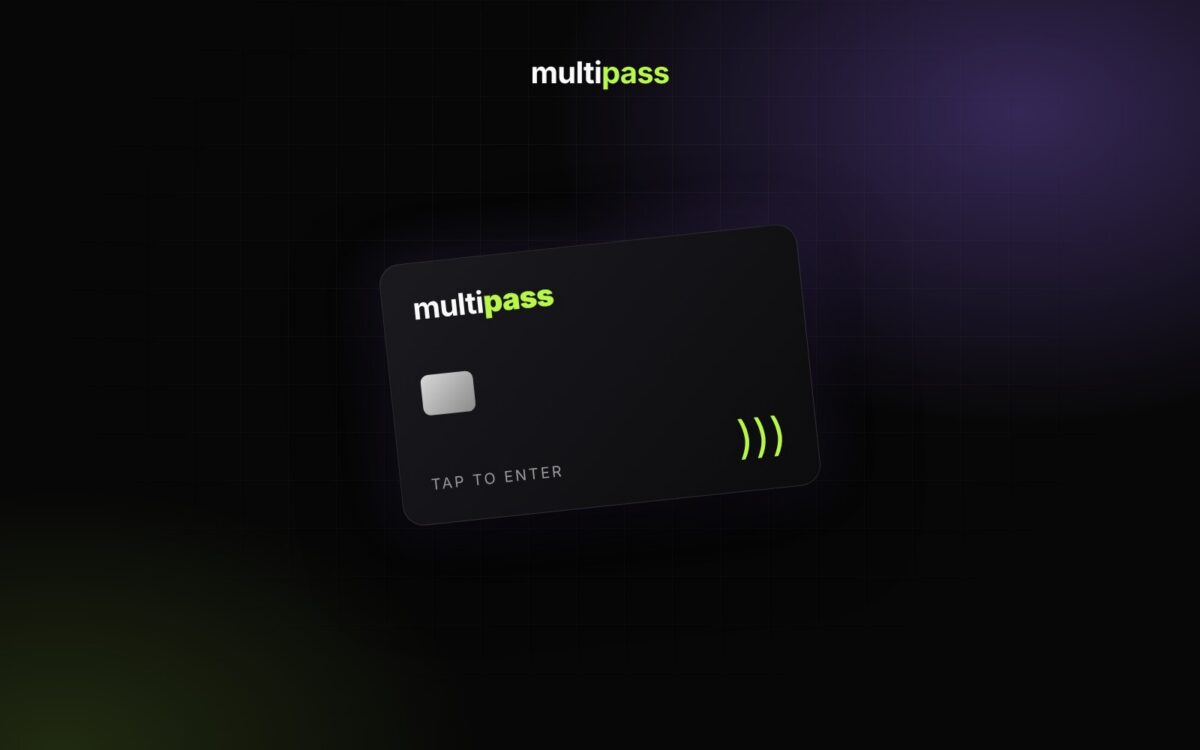
Multipass Cards are physical cards that get your attendees in the door with a tap. Each card has an NFC chip inside for tap scanning and a QR code on the back.
How attendees use them
Attendees link their card to their Multipass account in the free Multipass app, available on Google Play and the Apple App Store. Once it’s linked, they can show up at any event that uses Multipass and either tap the card or scan the QR code on the back to get in.
Link a card in the app
- Download the Multipass app and log in. If you checked out as a guest, use the email you entered at checkout.
- Tap Account in the bottom navigation.
- Tap Link Multipass Card to link the NFC chip, or Link Card QR Code to link the QR code on the back.
Custom cards for your organization
Want custom cards for your organization or membership program? Contact Multipass for details.
Learn more: Link a Multipass Card to Your Customer Account
New to Multipass?
Start selling tickets for free.