
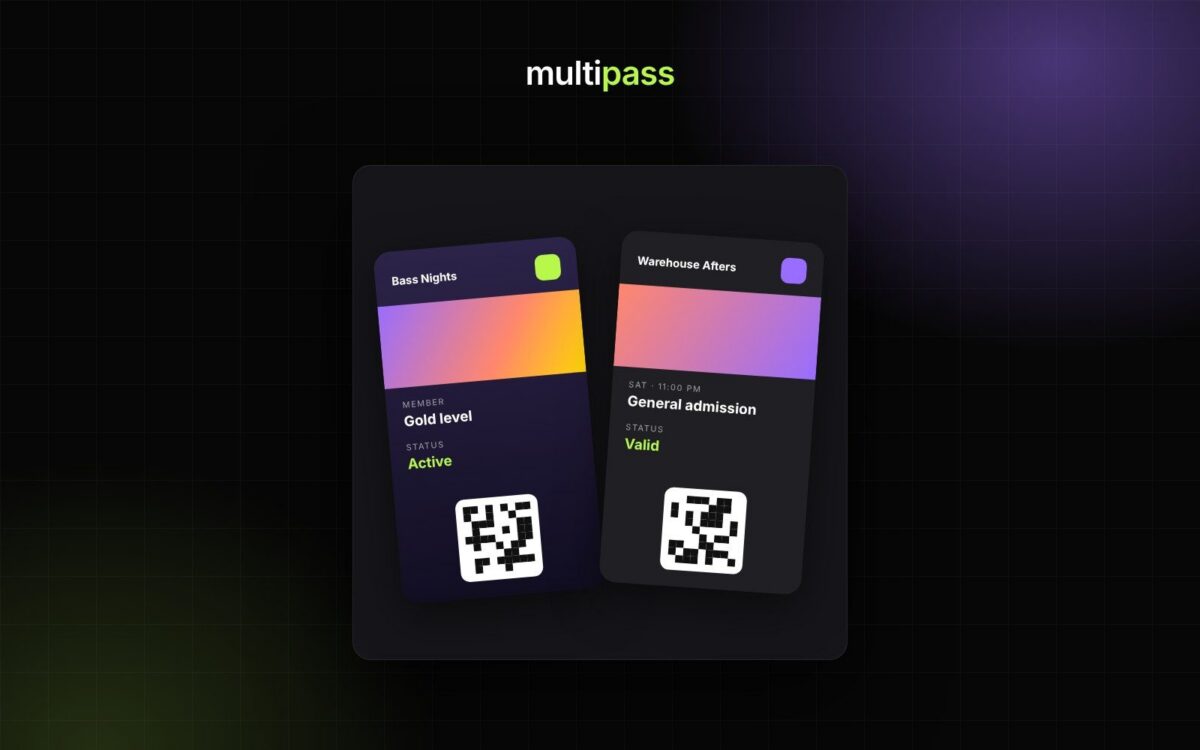
Multipass tickets and memberships can now live in Apple Wallet and Google Wallet. Attendees and members save their pass once, and it sits on their phone next to their boarding passes and cards, ready at the door without digging through email or opening an app.
What’s new
Wallet passes are now available for every organization on Multipass. Ticket buyers see “Add to Apple Wallet” and “Add to Google Wallet” badges on their ticket pages, and members see the same badges on their membership pages. Two kinds of passes are supported:
- Ticket passes for events, with the ticket’s QR code for check-in.
- Member passes for memberships, so members carry their membership with them.
How it works for attendees
After checkout, attendees open their ticket and tap the Wallet badge for their phone. Buying for a group? “Add all” saves up to 10 tickets in one go. Passes update on their own, so if a ticket’s status changes, the pass in the wallet reflects it, and attendees can get pass notifications without installing anything new.
Learn more: Finding & Using Your Tickets and Event Day: Getting In.
How it works for members
Members can add their membership pass from their membership page. It keeps their membership one tap away on their lock screen and stays current as their membership changes.
Learn more: Memberships & Following (Member Guide).
Make the passes look like your brand
Organizers can style their passes under Settings → Wallets, and each event has its own Wallets page in the dashboard. Your pass shows up next to your attendees’ everyday cards, so it’s a small, constant reminder of your brand and your next event.
Why it matters
- Faster lines. Tickets are ready on the lock screen instead of buried in an inbox.
- Fewer “where’s my ticket?” messages. The pass is saved once and stays put.
- Always current. Passes update automatically when something changes.
Wallet passes are live now for every organization. Not on Multipass yet? See what Multipass can do for organizers.